See what search engines see.
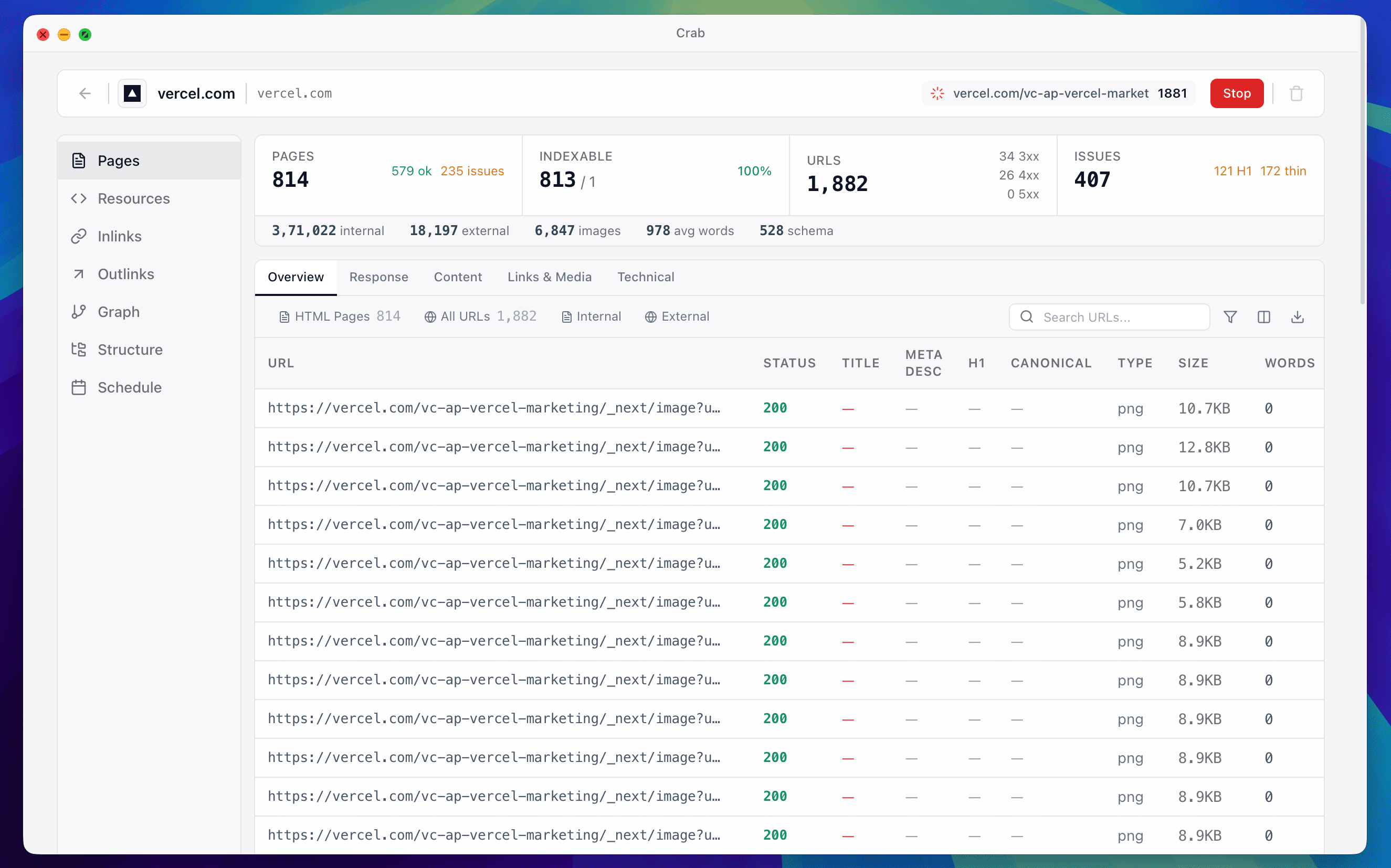
A free SEO crawler for macOS, Windows, and Linux. Audit broken links, meta tags, redirects, and site structure — no URL limits, no subscriptions, no data leaving your machine.
Available for macOS, Windows, and Linux
Price
$0 Forever
URLs Crawled
10M+
Happy SEOs
5,000+
"Finally, an SEO crawler that just works. Fast, free, and my data stays private."
Everything You Need.Nothing You Don't.
Technical SEO audits, broken-link checking, meta-tag analysis, site structure visualization. Everything paid tools like Screaming Frog do — free, private, no URL limits.
Full-Site Audit
Broken links, redirects, meta tags, canonicals — every technical SEO issue in one dashboard.
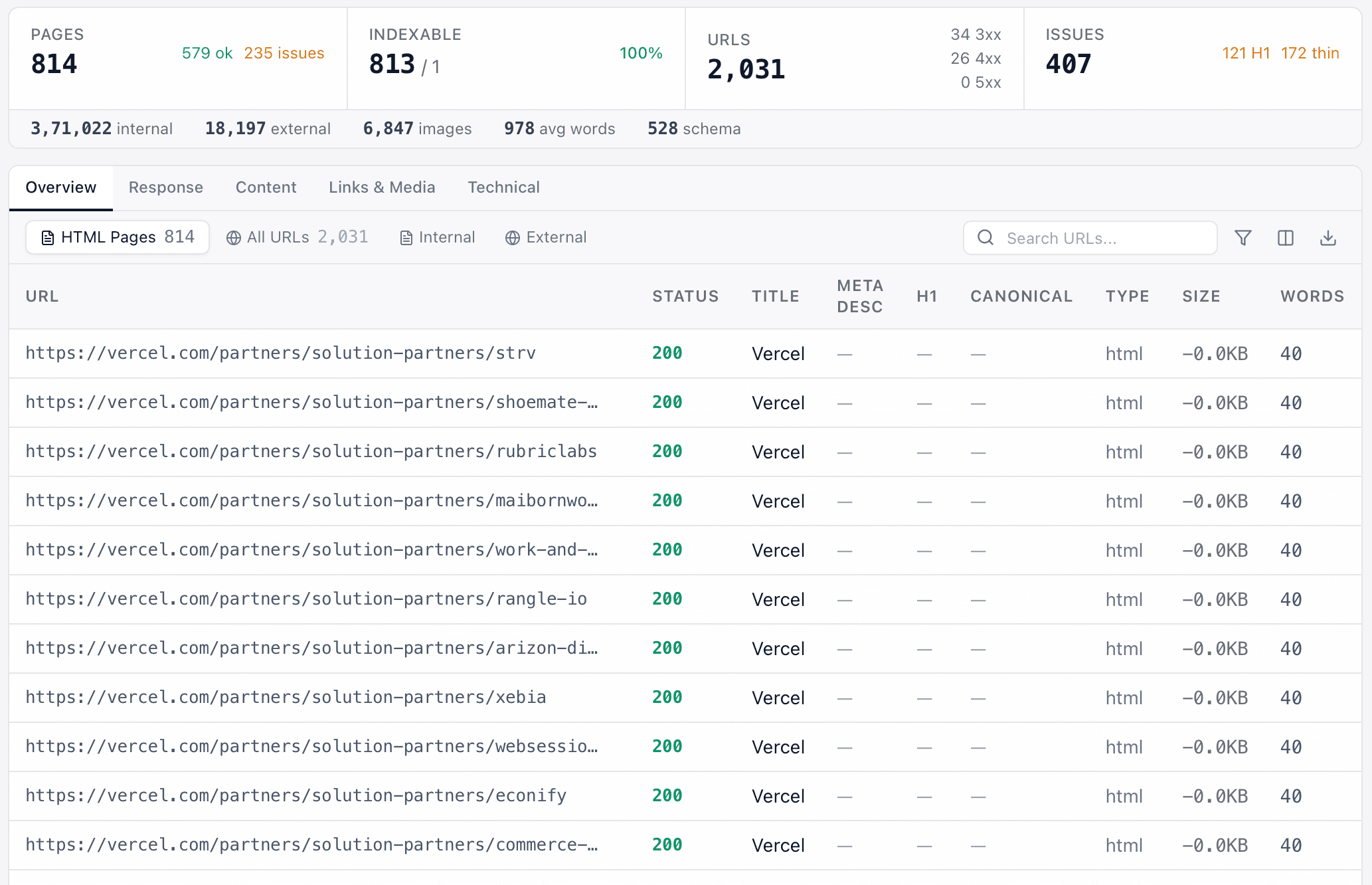
Site Structure
Visualize your site hierarchy and spot orphan pages and crawl-depth issues instantly.
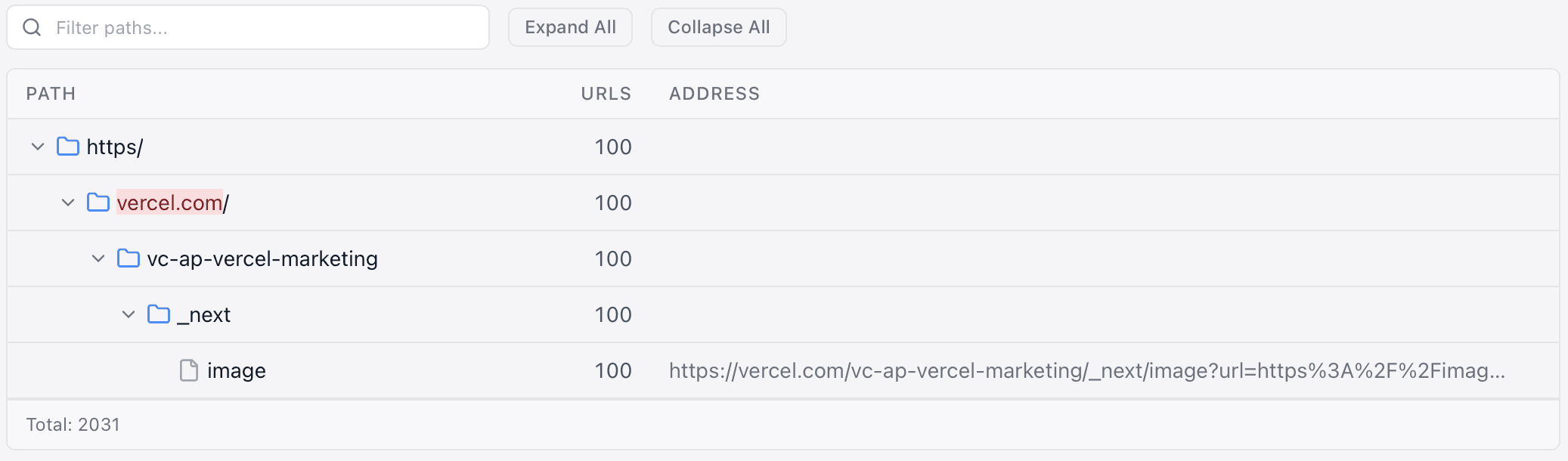
Resource Audit
Audit every image, script, and stylesheet on your site for SEO impact.
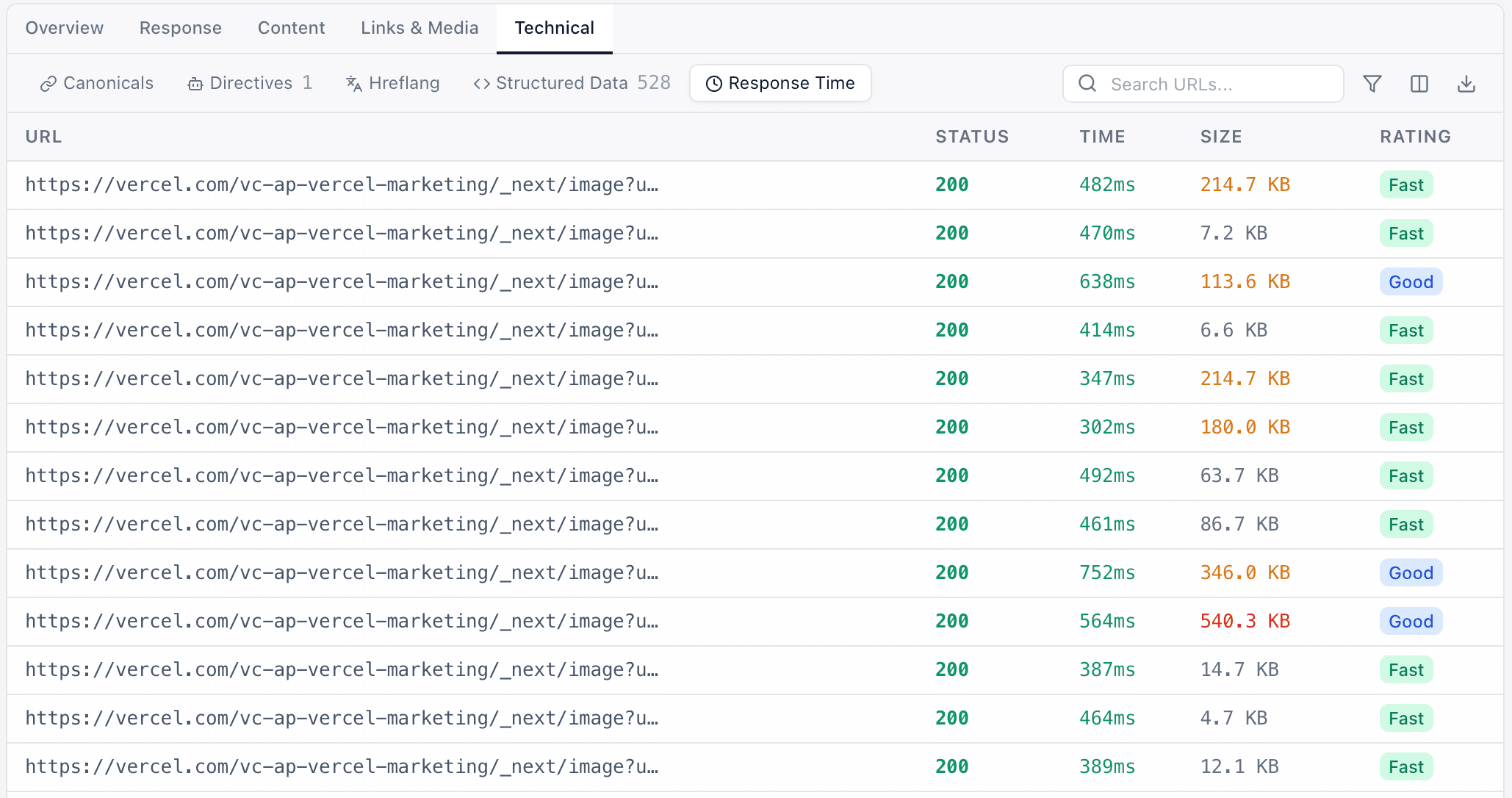
Page Speed & Vitals
Find slow pages dragging down your rankings and Core Web Vitals.
Every technical SEO audit.No URL limits.
From broken-link checks to structured-data validation — every audit you'd run in a technical SEO review, in one free crawler.
- 01
Find Broken Links
Every 4xx, 5xx, and dead internal link in a single pass — with full status-code reporting.
How does Crab detect broken links?
Crab records the HTTP status code for every URL it crawls and classifies anything in the 4xx or 5xx range as an error. You see them grouped into Client Errors (4xx) and Server Errors (5xx) tabs, with running counts on the project dashboard.
- 02
Audit Redirects & Chains
Follow redirect chains and detect loops, so nothing gets lost in the crawl.
Does Crab follow redirect chains?
Yes. Crab follows every 3xx response to its final destination and stores the redirect target alongside the source page. A 10-hop safety limit catches redirect loops automatically, and all 3xx pages are grouped into their own Redirects tab.
- 03
Analyse Titles & Meta
Catch missing, duplicate, over-long, or short titles and meta descriptions across every page.
What does Crab check on titles and meta descriptions?
For every page, Crab extracts the <title> tag and <meta name="description"> content, then flags pages with missing, duplicate, over-long, or too-short values. Character counts are colour-coded directly in the Pages table so problem rows are visible at a glance.
- 04
Review Robots & Directives
Inspect robots.txt, meta noindex tags, and canonical directives page by page.
Does Crab respect robots.txt?
Yes. Crab fetches and parses robots.txt before crawling and skips any URL it blocks. Every page's meta robots directives (noindex, nofollow) and canonical link target are stored with the page so you can audit directive coverage across the whole site.
- 05
Audit hreflang
Parse hreflang attributes across every page and review language and region targeting.
How does Crab handle hreflang?
Crab extracts every <link rel="alternate" hreflang="…"> tag during parsing and stores the full set per page. A dedicated hreflang tab surfaces all declarations so you can review language and region targeting across your site.
- 06
Discover Duplicate Content
Find exact duplicate pages and near-duplicate content using hash + simhash fingerprints — site-wide.
Can Crab find near-duplicate pages?
Yes. Crab computes an MD5 content hash for exact-duplicate detection and a 64-bit simhash fingerprint (with 3-word shingles) for near-duplicates on every page. Both duplicate types, plus duplicate meta descriptions, are surfaced in the Issues summary.
- 07
Validate Structured Data
Parse JSON-LD blocks and flag schemas that fail validation.
How does Crab validate structured data?
Crab extracts every <script type="application/ld+json"> block, parses the JSON, and reports whether each schema is well-formed along with its @type and @context. Pages with malformed structured data are flagged with the specific validation errors.
- 08
Crawl JavaScript Sites
Render with headless Chrome to audit React, Vue, and other SPA-built sites.
How does JavaScript rendering work in Crab?
Crab runs a managed pool of headless Chrome instances via chromedp. In auto mode it detects SPA frameworks (React, Vue, Angular mounts) and re-renders only when the static HTML is insufficient; you can also force rendering for every page or disable it entirely.
- 09
Visualise Site Architecture
Map your URL hierarchy, inspect crawl depth, and find orphan pages instantly.
How does Crab visualize site structure?
Crab builds a hierarchy tree from your URL paths and renders it in the Site Structure view. An interactive link graph shows page-to-page relationships, and a dedicated Orphans report lists pages with zero internal inlinks.
- 10
Generate XML Sitemaps
Export a clean XML sitemap ready to submit to Google Search Console.
Can I export an XML sitemap from Crab?
Yes. Crab generates a standards-compliant XML sitemap of your crawled URLs — with <loc> and <lastmod> entries — served as a downloadable file. Drop it straight into Google Search Console or your CDN.
- 11
Audit Accessibility
Flag missing alt text, form-label issues, and heading-hierarchy problems at scale.
What accessibility checks does Crab run?
Crab audits the <html lang> attribute, heading hierarchy, skip links, form label coverage, missing image alt text, descriptive link text, and table headers — then assigns each page an accessibility score from 0 to 100 so you can prioritise the worst offenders.
- 12
Schedule Recurring Crawls
Set full-site audits to run automatically on any schedule you need.
How do I schedule a recurring crawl?
Each project has a Schedule Settings panel where you pick a preset (hourly, daily, weekly) or enter a custom 5-field cron expression, with full timezone support. A scheduler service checks for due crawls every minute and triggers them automatically.
Yep. 100% free. No trials, no premium tiers, no "free for 500 URLs" nonsense. Free forever.